 Vidancee
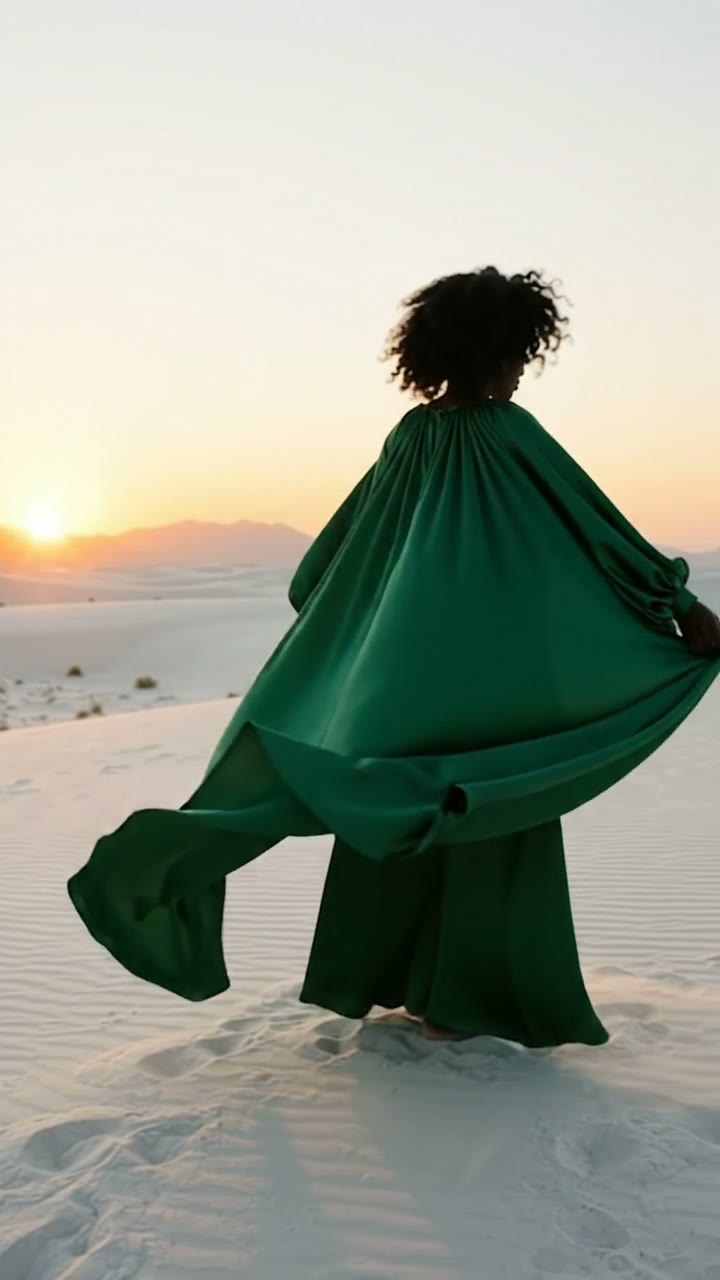
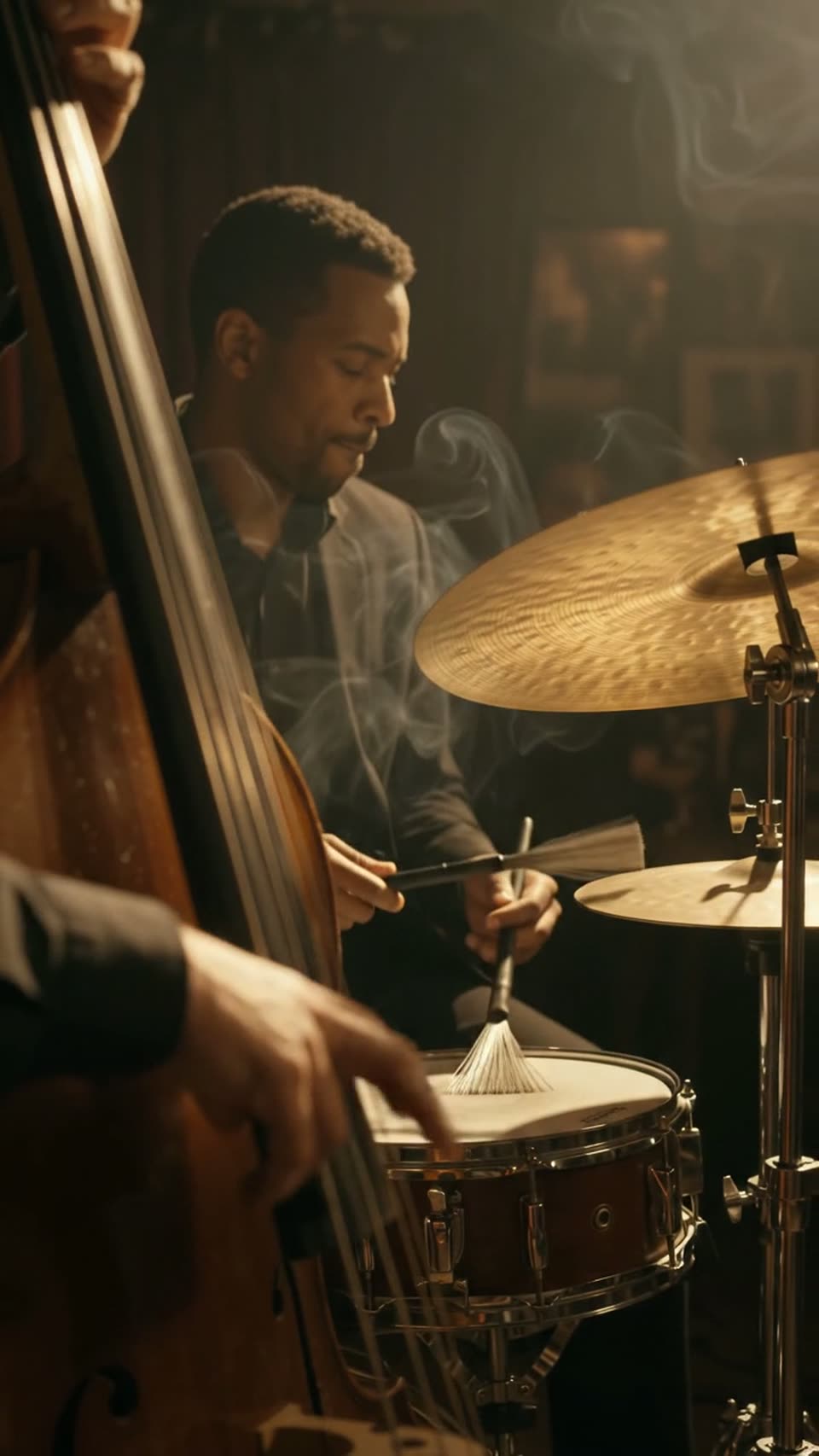

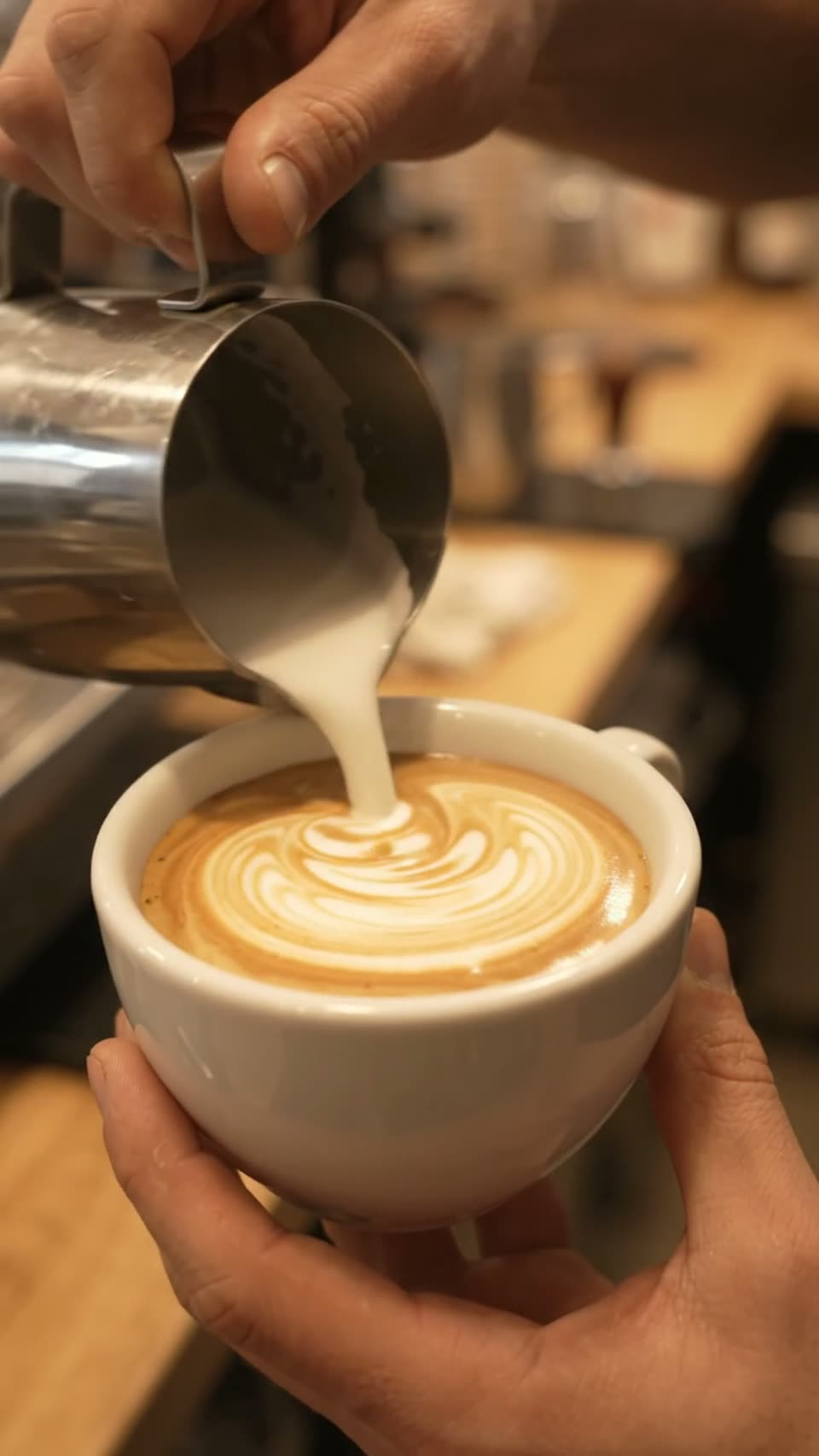
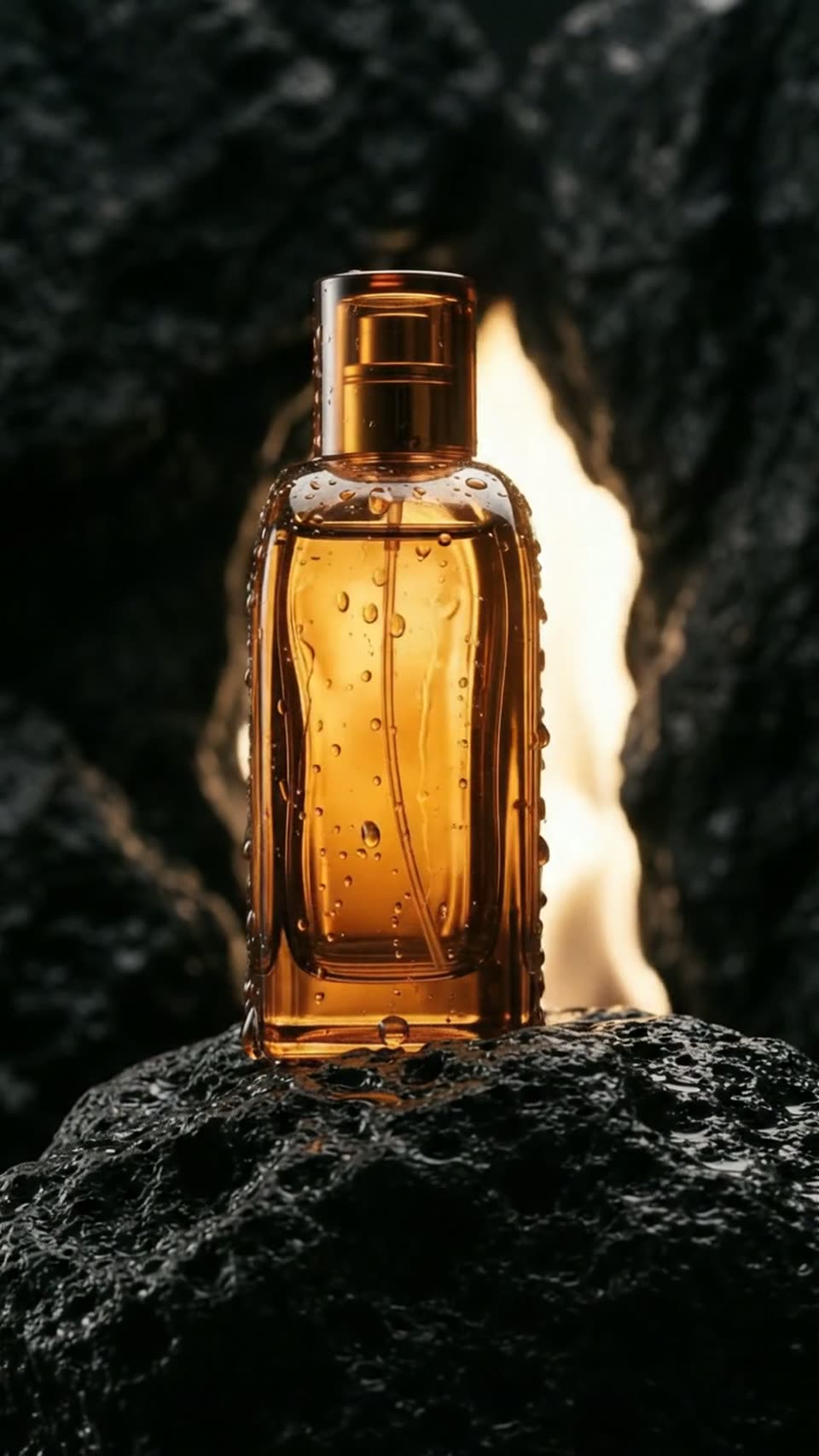
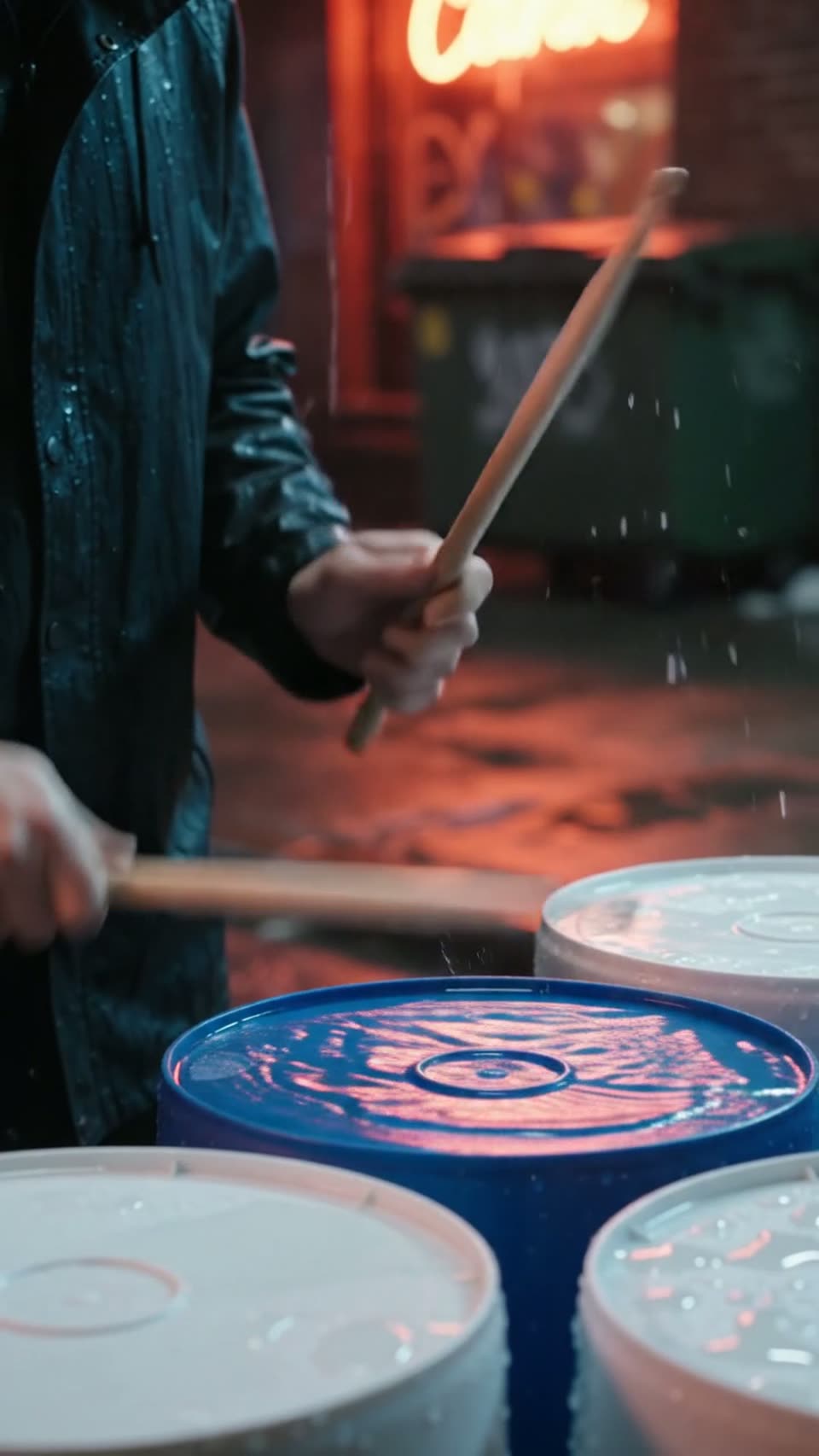
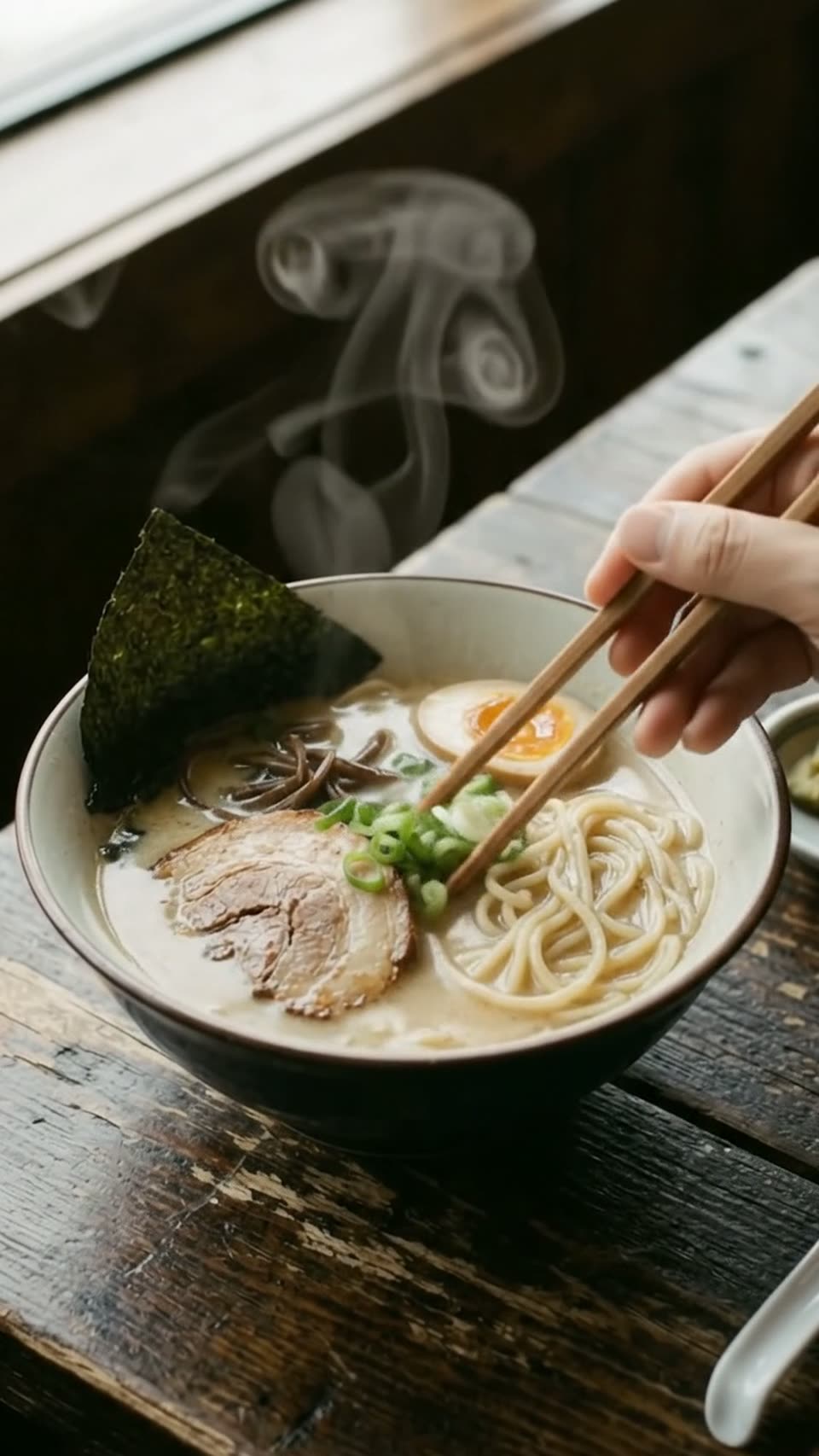
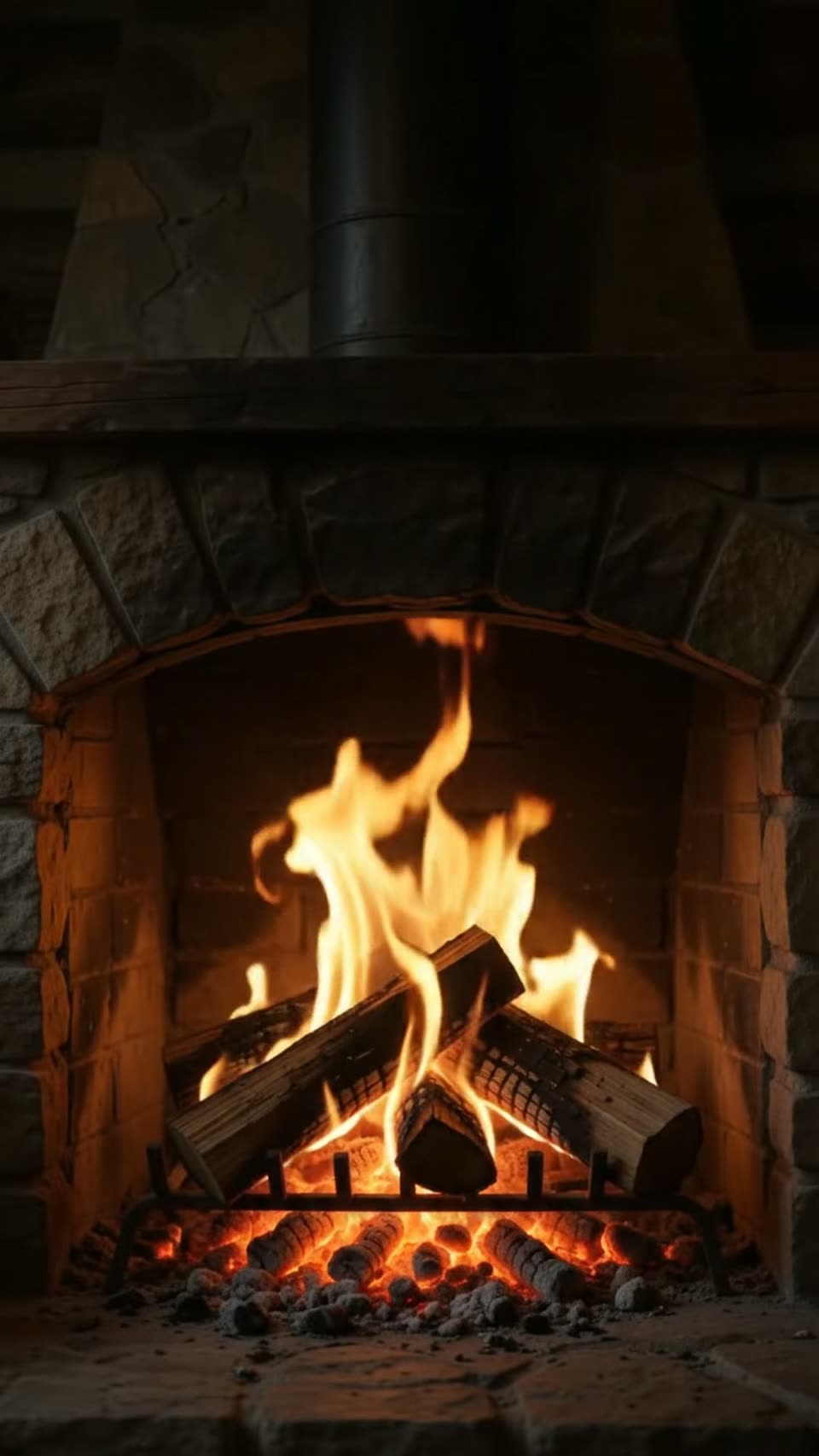
 First frame
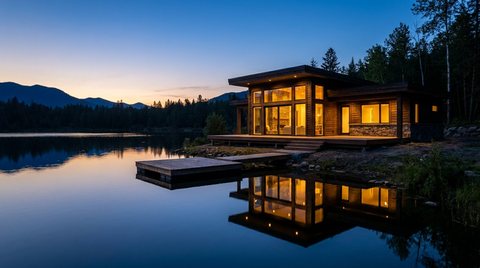 Last frame
Empty lot to finished cabin
Cinematic Veo 3.1 and Omni Flash video from a single prompt — or from your own photos. Lifelike motion, real camera moves and sound, in 720p HD. No subscription — load credits and pay only for the clips that finish.
Start with free credits on signup — no card required.
Every frame on this page was generated on Vidancee. No cameras, no crew, no stock footage.
Make one character sheet, then put that exact face, outfit and style into any scene you can describe.
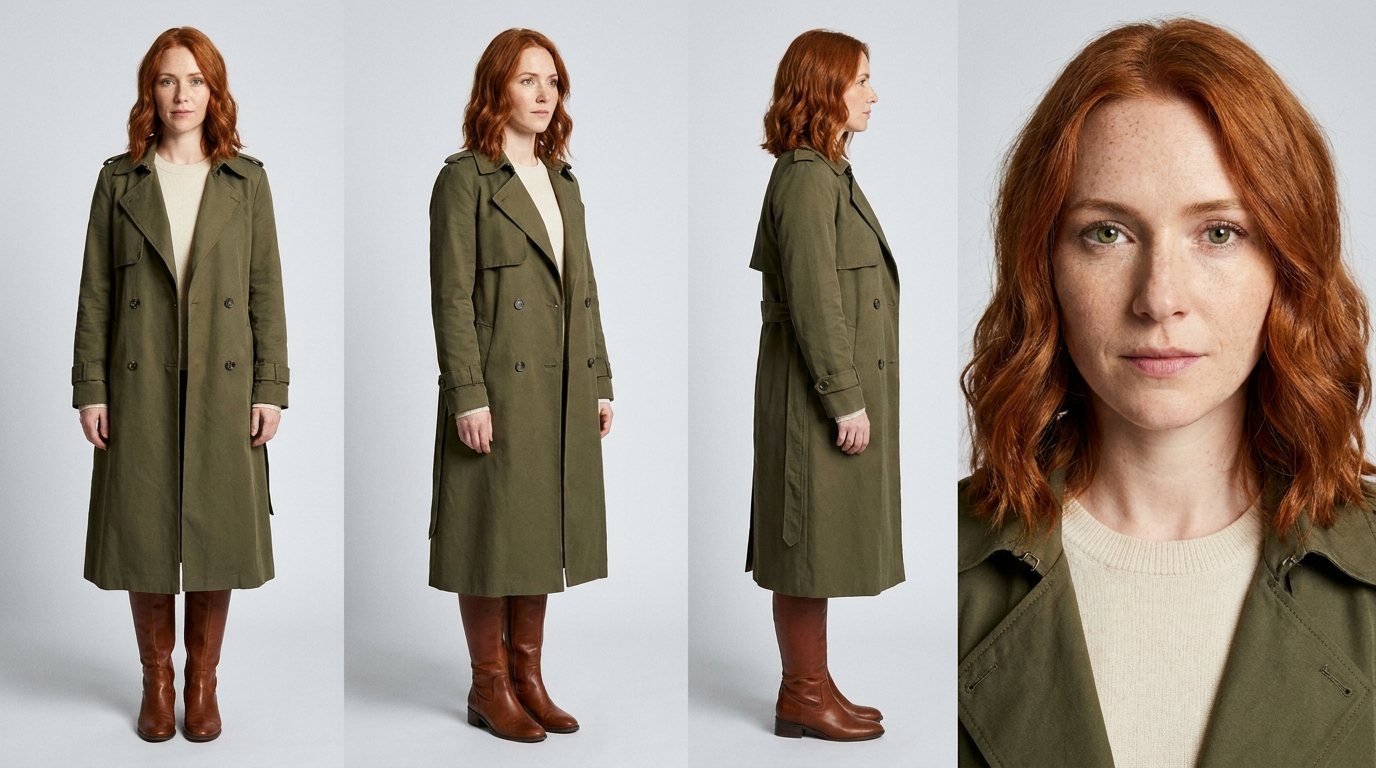
Mira. One character sheet, three completely different places.
Make your own character →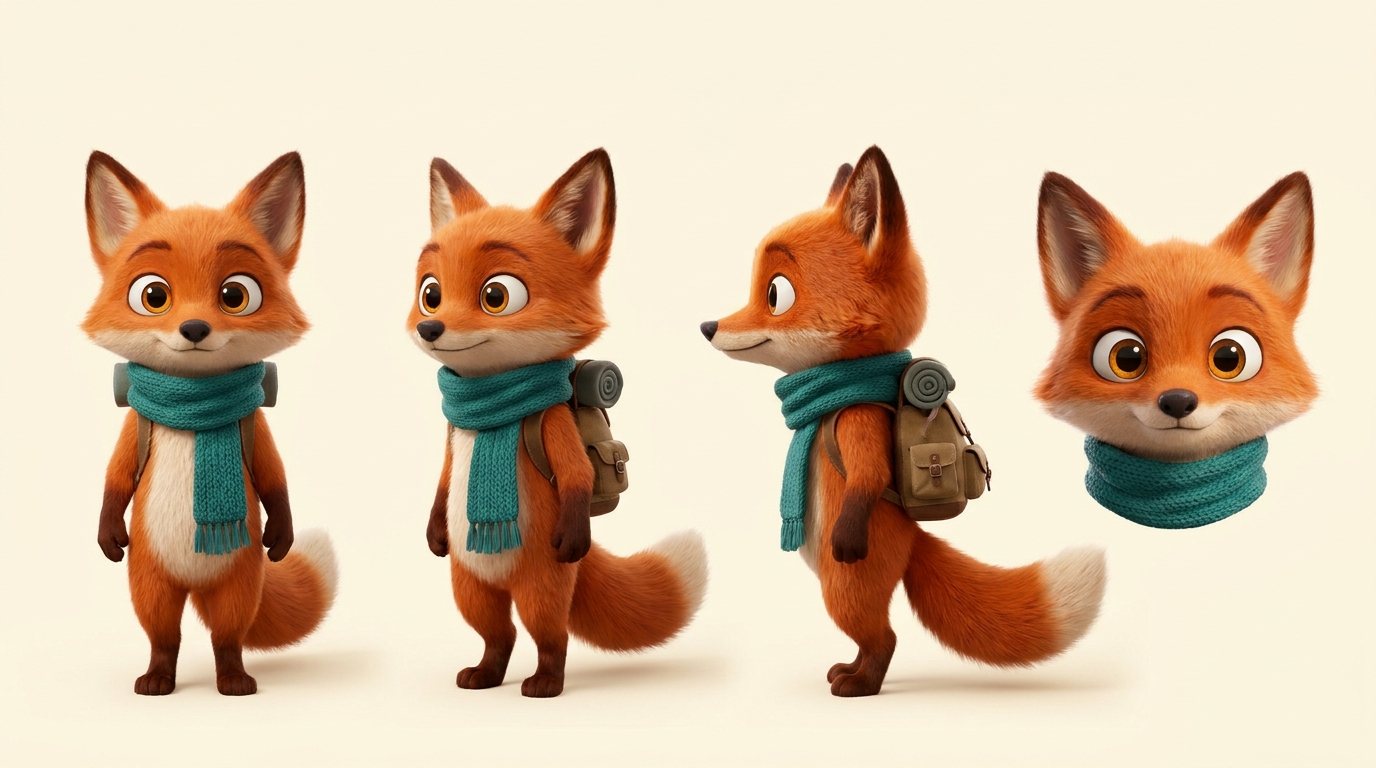
Pip. Works for animated characters too, down to the scarf and backpack.
Make your own character →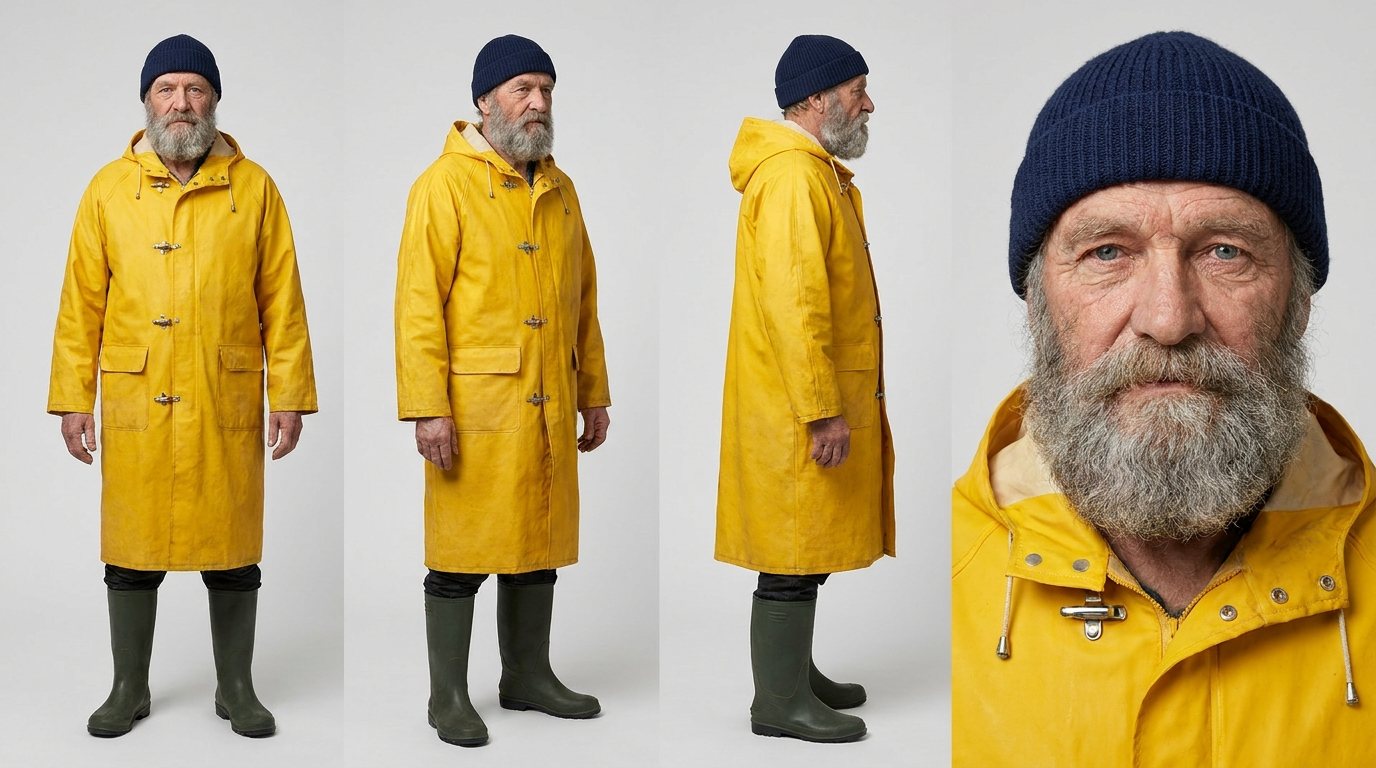
Theo. The same weathered face and yellow coat, wherever the story goes.
Make your own character →Each clip continues from the last frame of the one before, then Vidancee joins them into a single video.
Write your scenes, check a keyframe for each one, then turn the whole board into a finished film.
Drag across the video. Left is the original 720p clip, right is the same clip after one click on 4K.
The 4K side is compressed for this page. Your download is the full 3840 × 2160 file.
Give it where a shot starts and where it ends. The video fills in everything between.
First frameLast frameEmpty lot to finished cabin
 First frame
 Last frame
Bud to full bloom
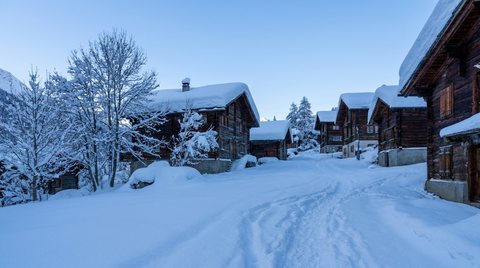 First frame
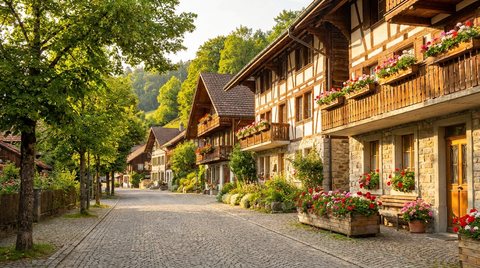 Last frame
Winter to summer
Auto Image → Video makes the picture first, then brings it to life. The small image shows where each clip began.




Omni Flash generates the audio with the picture. Turn the sound on and listen.
Nano Banana for photoreal shots and GPT Image for posters with exact words.
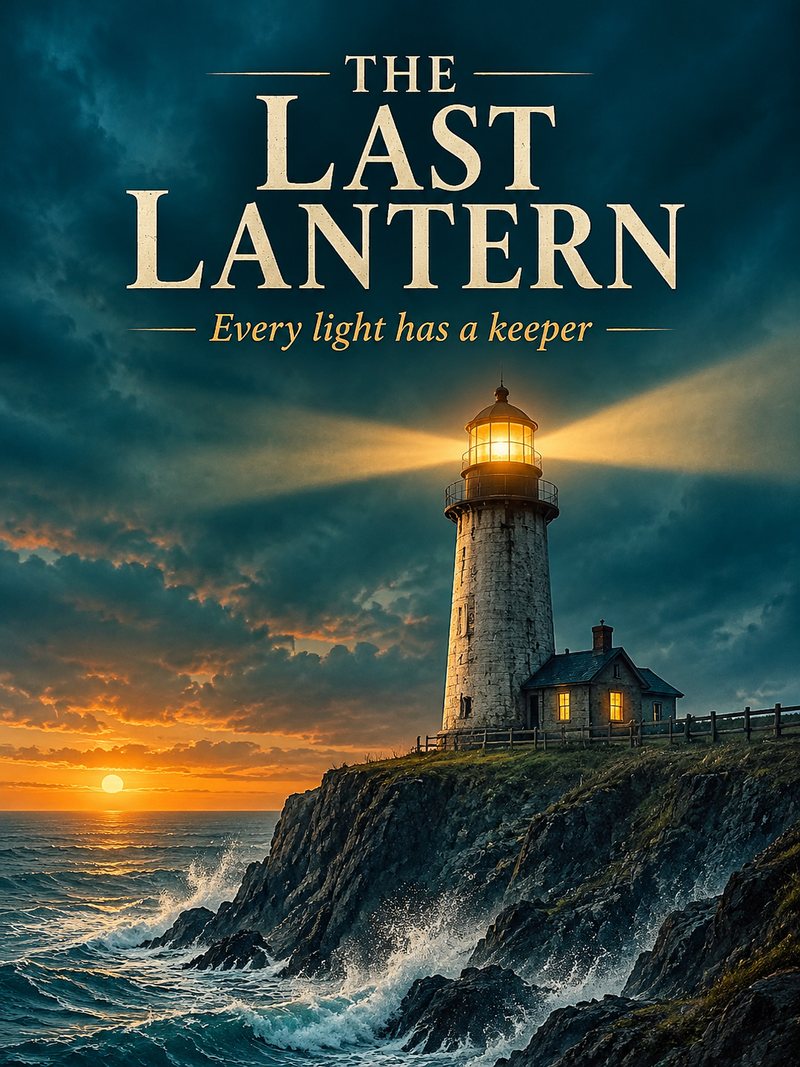

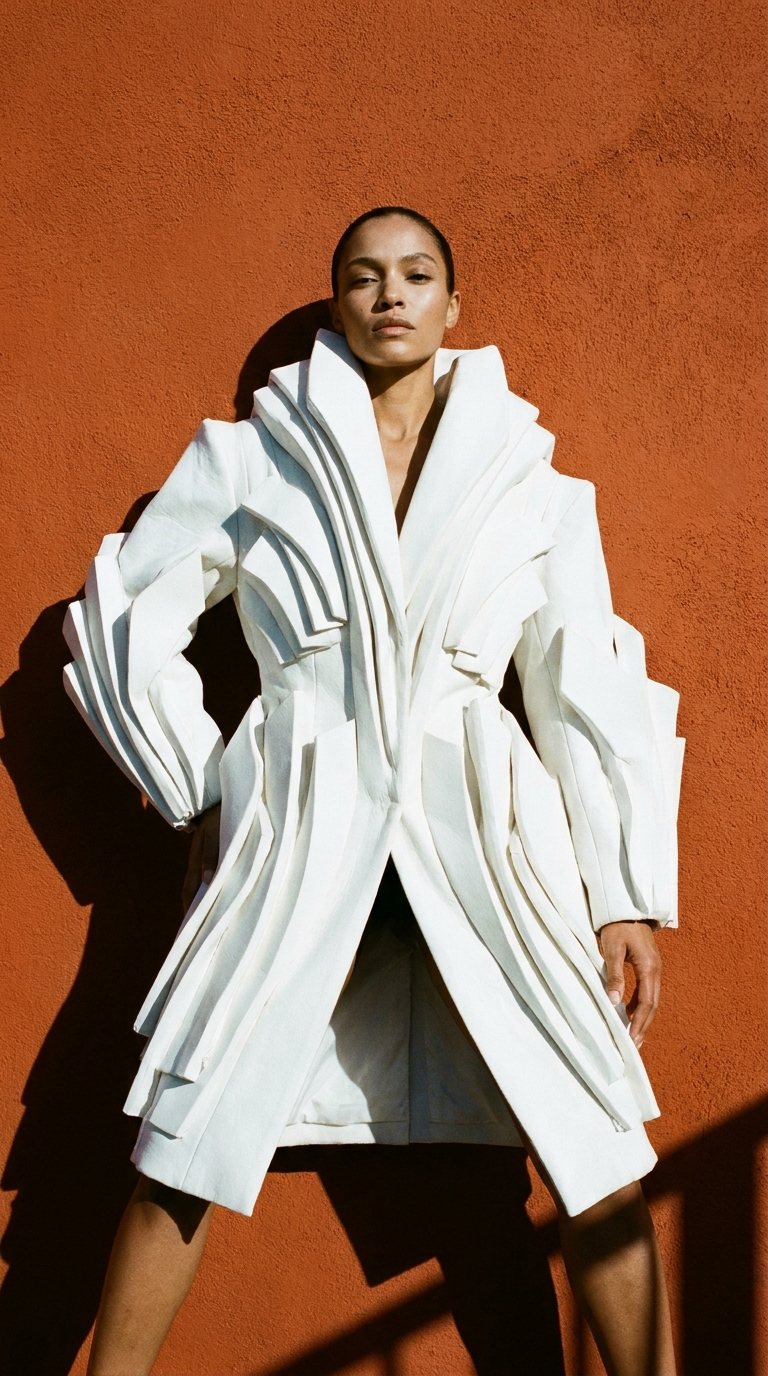
Create a free account and make your first video today.
900 credits = $1, fixed — load a balance and pay only for the clips that finish. Every top-up is valid 30 days.
Counts are the most you can make if you spend the whole balance on that one model and length — mix any models and lengths you like. Credits are only charged when a clip finishes.
Create a free account first — then pay by card or message us to load whichever pack you want.
| Plan | Lite $8 | Pro $15 | Ultra $30 | Ultra Max $55 |
|---|---|---|---|---|
| Price | ||||
| Price | $8 | $15 | $30 | $55 |
| Credits | 6,400 | 12,800 | 25,600 | 30,720 |
| Valid for | 30 days | 30 days | 30 days | 30 days |
| Veo 3.1 Lite (lower-priority queue) | ||||
| Clips | 1,280 | 4,000 | 8,000 | Unlimited |
| Credits per clip | 5 | 3.2 | 3.2 | Free |
| Per day | 42 | No limit | No limit | Fair use 500 |
| Or spend the credits on (whole balance, one model) | ||||
| Veo 3.1 Fast | 256 | 512 | 1,024 | 1,228 |
| Omni Flash (4s clips) | 304 | 609 | 1,219 | 1,462 |
| GPT Image 2.5 (images) | 1,280 | 2,560 | 5,120 | 6,144 |
| Free Nano Banana images | ||||
| Per plan | 2,000 | 6,000 | 10,000 | 15,000 |
| Per day | 150 | 350 | 500 | 850 |
| Speed | ||||
| Videos rendering at once | 2 | 4 | 8 | 8 |
| …of which Veo 3.1 Lite | 1 | 2 | 4 | 4 |
| Images rendering at once | 4 | 6 | 10 | 10 |
| Queue (waiting + rendering) | 100 | 190 | 320 | 500 |
| Prompts per batch | 6 | 9 | 12 | 24 |
| Auto-Extend clips per chain | — | 9 | 12 | 24 |
| Modes | ||||
| Text & image → video, text → image | ✓ | ✓ | ✓ | ✓ |
| Start + end frames | — | ✓ | ✓ | ✓ |
| Character / references | — | ✓ | ✓ | ✓ |
| Auto-Extend · Auto Frames · Auto Image → Video | — | ✓ | ✓ | ✓ |
| Photo edit | — | ✓ | ✓ | ✓ |
| Reference video | — | ✓ | ✓ | ✓ |
| Image upscale 2K / 4K | — | ✓ | ✓ | ✓ |
| Video upscale 1080p / 4K | — | ✓ | ✓ | 1080p free |
| Connect | ||||
| Claude connector | — | — | ✓ | ✓ |
| REST API · desktop app · n8n | — | — | ✓ | ✓ |
Clip counts are the most you can make if the whole balance goes on that one model — mix models as you like. Credits are only charged when a clip finishes.
Google Omni Flash — fast all-rounder with sound, 4–10s.
Images: photoreal, product shots, posters & edits.
Lower-priority queue — costs far less, can take a little longer at busy times.
Google Veo 3.1 Fast — sharper motion, priority render.
Images: best detail and text, edits from your photos.
Images: fast everyday images and edits.
Queue hundreds of prompts, chain clips into long videos and let every render land in a folder on your PC — on the same credits as the website.
Models, no watermark, credits, resolution, clip length, aspect ratios, modes, and refunds.